
‹ ›
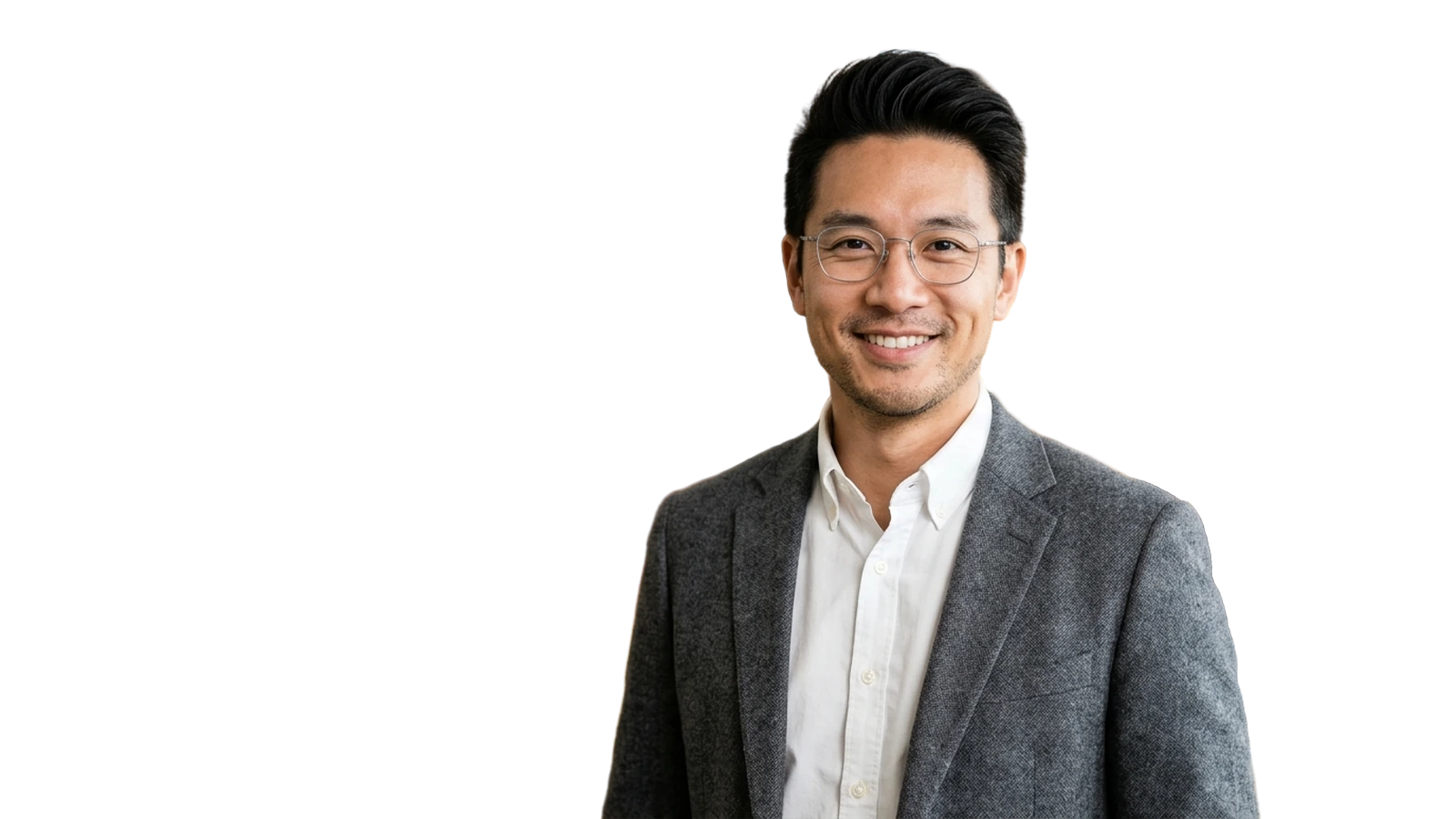
Executive glasses headshotThin titanium eyeglass frames and sharp tailored shoulder line
Working against a tight publishing deadline or handling embargoed guest portraits? Extract crisp transparent subjects right in your browser for thumbnails, feature collages, and lower-thirds.

Default on-device mode processes images entirely in your browser memory after downloading the local model — ideal for pre-announcement press kits and exclusive interviews.
Open this sample in Studio →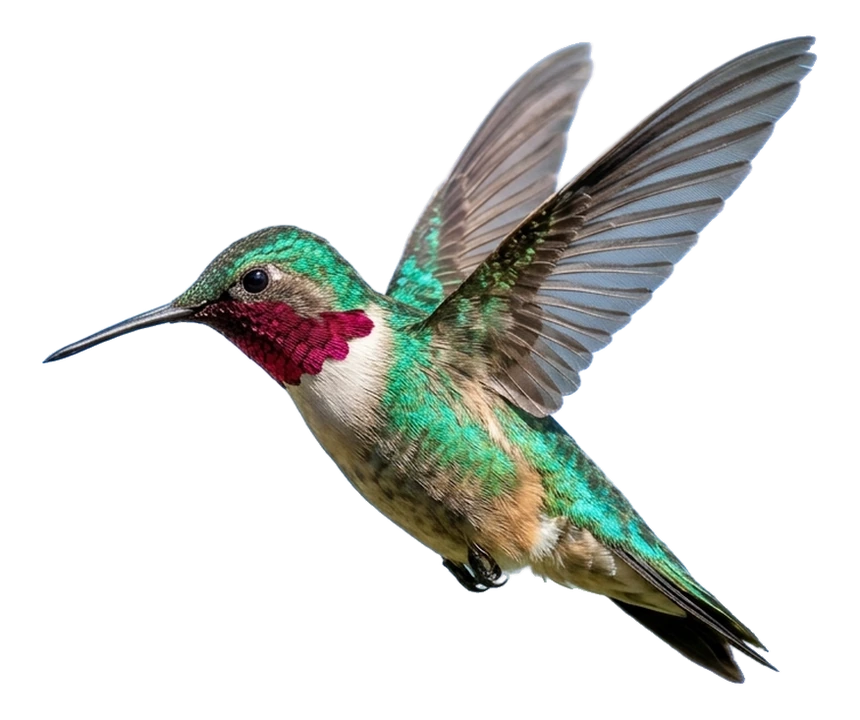
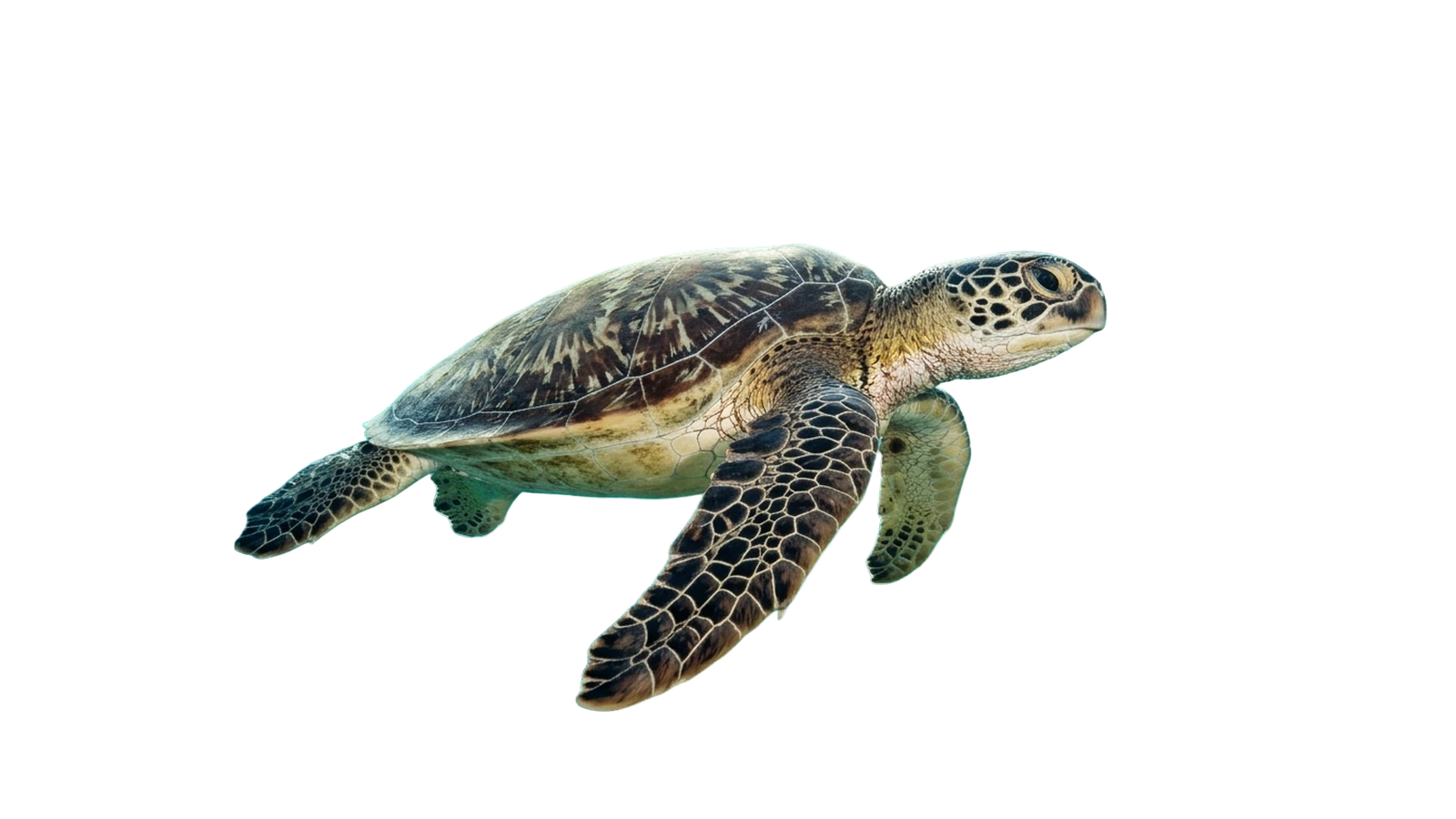
Cleanly isolate eyeglasses, hovering bird wings, and underwater subjects without color-cast halos on dark editorial layouts.
Open this sample in Studio →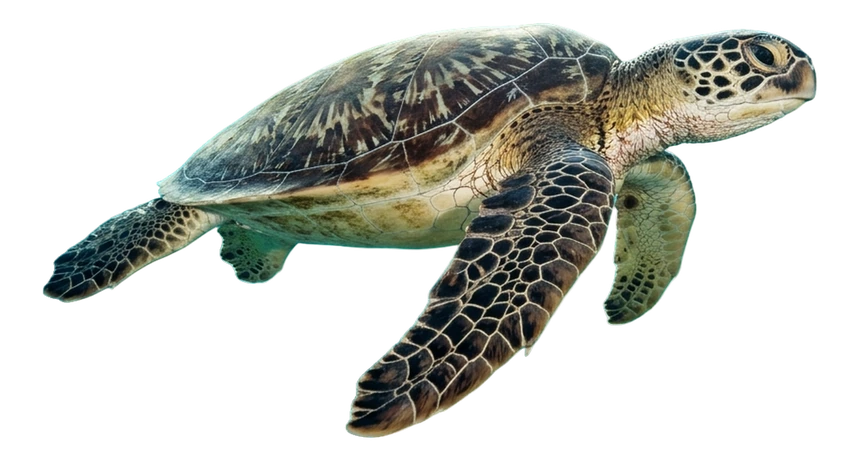
Paste copied frames straight into the workspace with Cmd/Ctrl+V and export lightweight transparent WebP or full-size PNG for fast-loading articles.
Open this sample in Studio →Drag any slider to inspect cutout edges and grounded shadows, or open directly in Browser Studio.
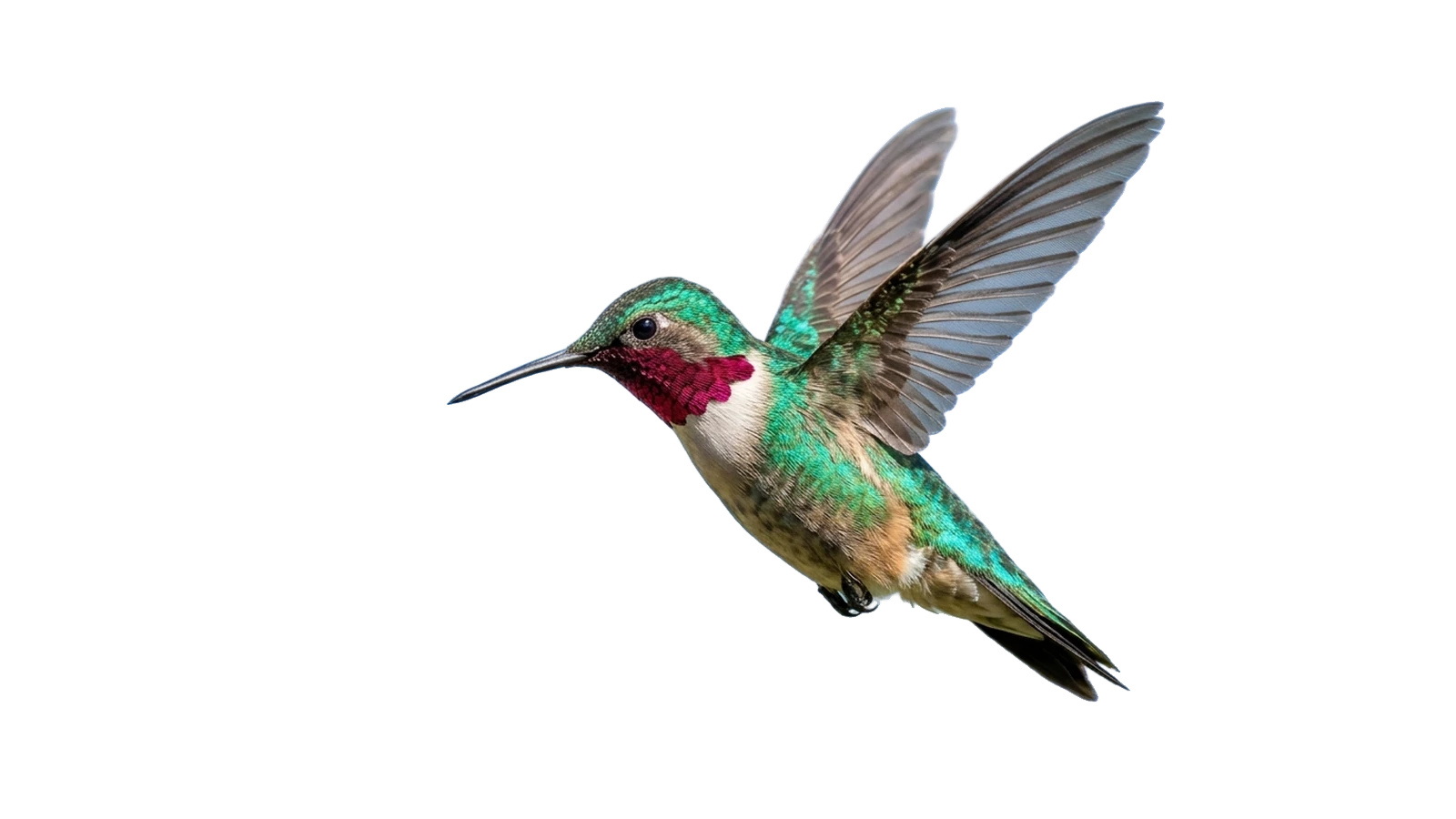

Private on-device processing by default, with optional stateless Cloud GPU and /v1.0/removebg API scale.