
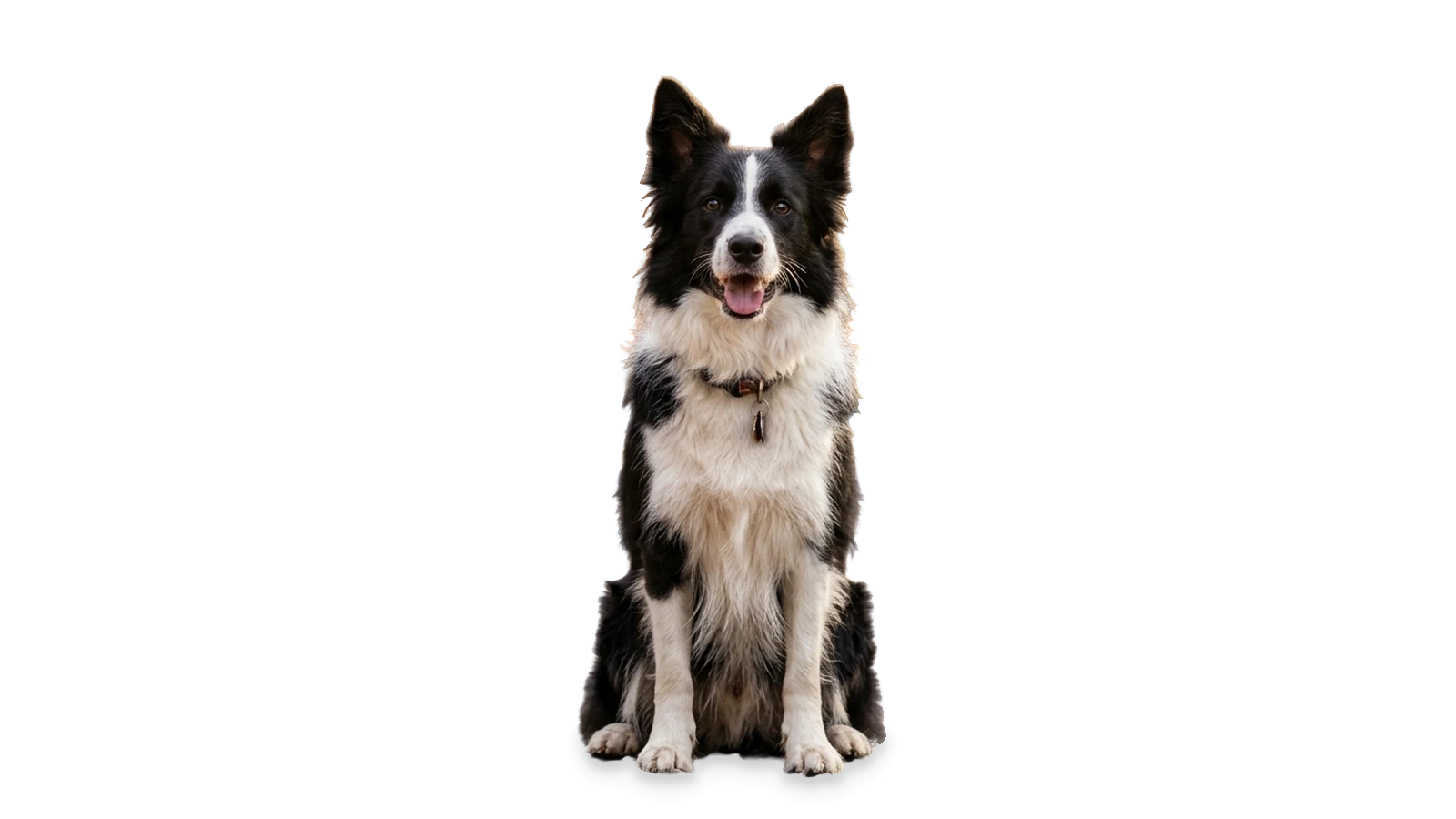


Brush edits stay in your browser
Mask painting, 600% viewport zoom, and local subject selection execute directly in your browser memory without silent background uploads.
Background & object refinement has never been easier

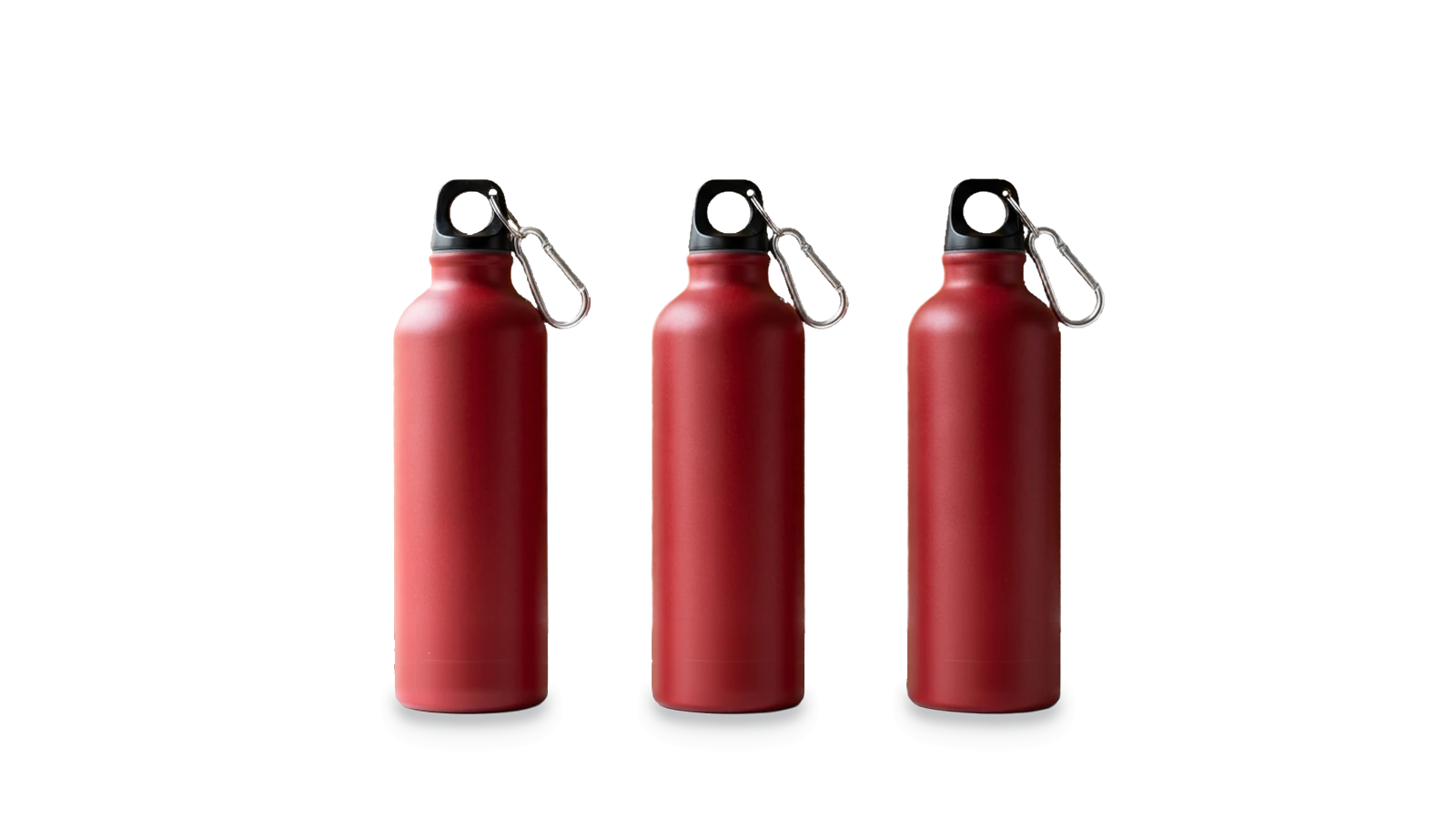
Automatic AI matting handles the heavy lifting in seconds — and when you want to remove one item from a group shot or erase a stray prop, Magic Brush puts pixel-exact control in your hands.
Combine freehand Erase/Restore strokes with one-click AI Subject Selection and multi-step Undo/Redo (Ctrl/Cmd+Z) right inside the browser canvas.
Toggle seamlessly between Erase and Restore modes and adjust brush size from 4 px to 120 px to remove stands and tags or bring back handheld props and partial backdrops.
Try Erase & Restore on this portrait →
Zoom up to 600% with wheel or pinch gestures and pan smoothly across high-resolution canvases to inspect fine whiskers, eyeglass frames, and intricate spokes.
Inspect fine kitten whiskers in Magic Brush →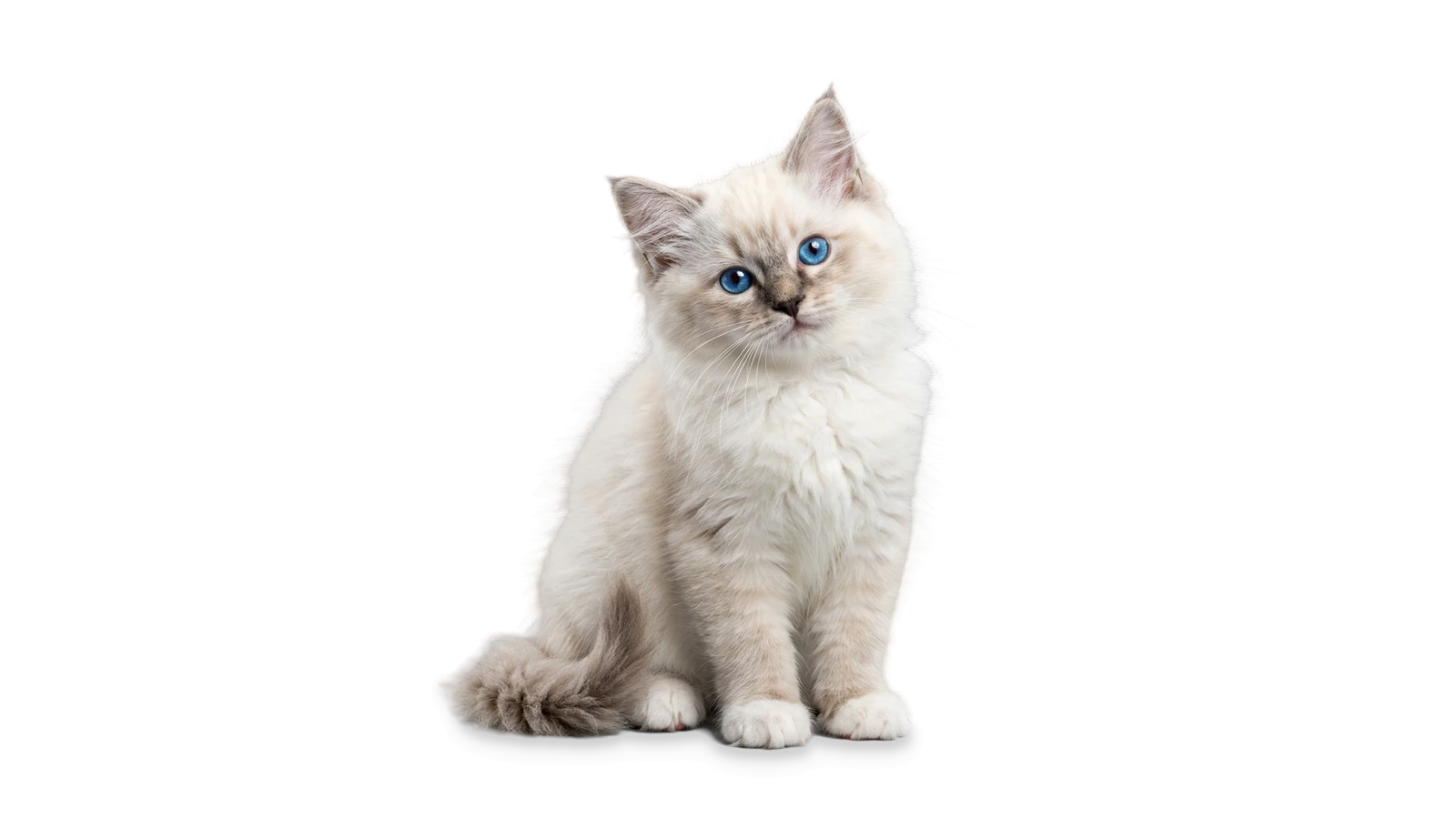
No round-tripping between heavy desktop editors. Apply your brush refinement, pick a studio or solid backdrop, toggle drop shadows, and download full-resolution PNG, WebP, or JPG in one place.
Browse all 28 showcase samples →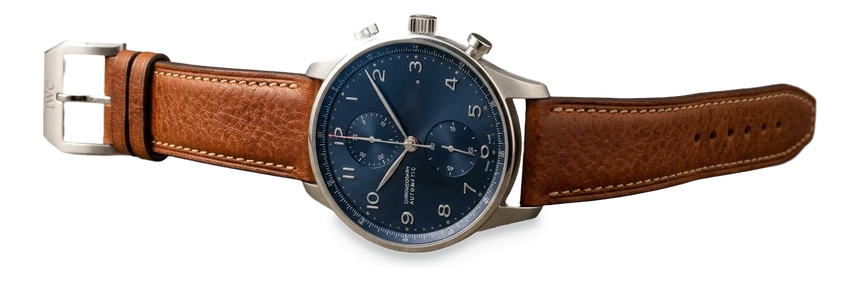
Mask painting, 600% viewport zoom, and local subject selection execute directly in your browser memory without silent background uploads.
Switch between freehand pixel strokes and one-click AI subject stencils so large foreground edits take a single tap instead of manual tracing.
Download full-resolution transparent PNG or lightweight WebP with clean anti-aliased edges, or composite directly onto studio backdrops.
Upload any JPG, PNG, or WebP image to start automatic background removal and Magic Brush refinement.


