JPG, PNG or WebP · up to 25 MB per image (50 MP Cloud GPU / 32 MP on-device). On-device mode processes images for free inside your browser and never auto-uploads on failure. First use downloads the Lite model and browser runtime. By continuing, you agree to the Terms of Service and Privacy Policy.
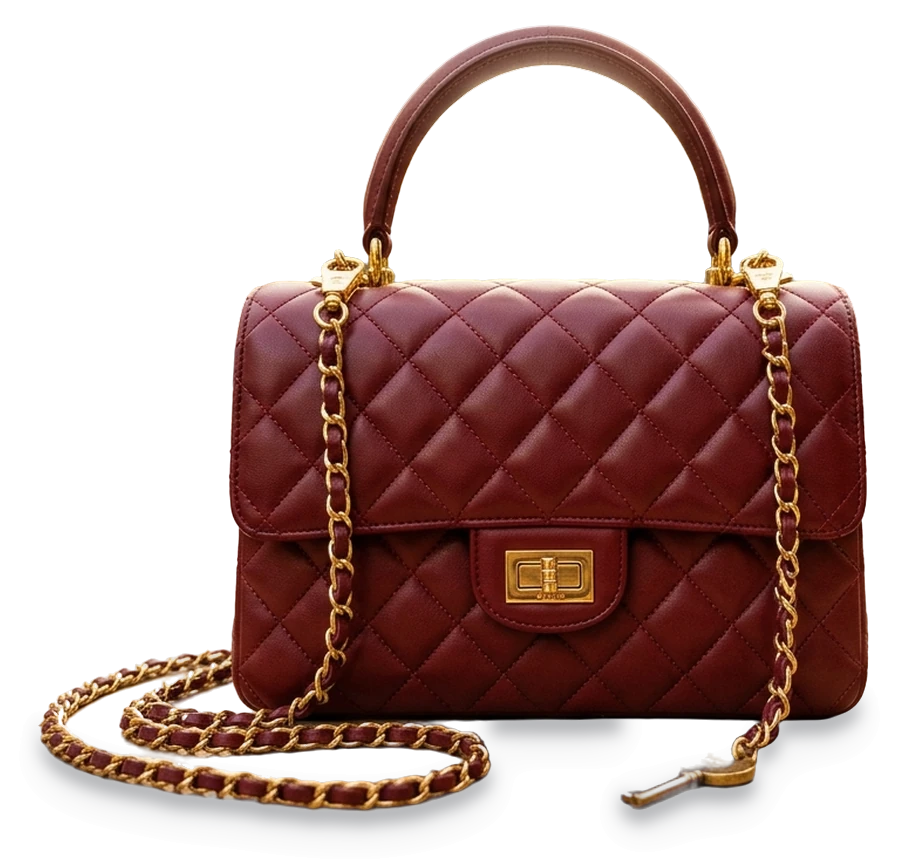
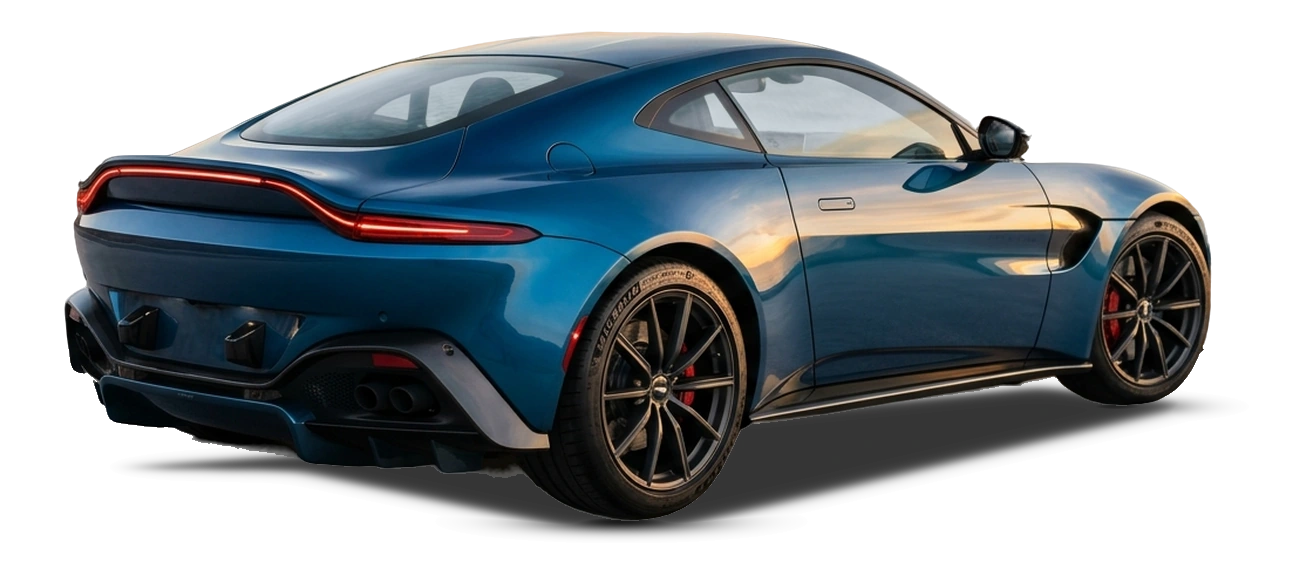
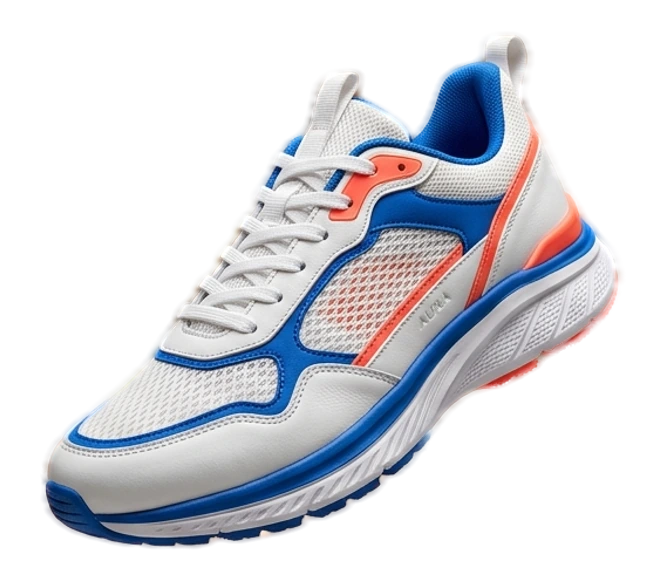
Saved showcase samples across all five categories — click above to open any sample in the on-device Studio editor.
Remove the background.
Keep what matters.
Try a saved sample or upload your own image and let the on-device model remove its background.
Keep a transparent PNG, pick a studio backdrop, choose a solid color, or upload your own backdrop in the editor. Refine fine hair and edges anytime.
One tool, endless uses
Edit your photos' backgrounds to white for flawless e-commerce shots, car listings, or professional headshots. Create a transparent background (PNG) to design the perfect logo or graphic for any project or presentation. Whatever your need, remove.ac saves you time and helps you deliver professional results in seconds.
Background edits of the same saved sample, not new inference.
Remove Image Background
Start with your picture. Keep the subject.
Free · Zero upload
or drop a file here,
or paste an image ⌘ / Ctrl + V or
No image? Try one of these:
JPG, PNG or WebP · up to 25 MB per image (50 MP Cloud GPU / 32 MP on-device). On-device mode processes images for free inside your browser and never auto-uploads on failure. First use downloads the Lite model and browser runtime. By continuing, you agree to the Terms of Service and Privacy Policy.
Subscribe for occasional release notes on model upgrades, /v1.0/remove API capabilities, and practical workflow guides.
Zero spam — unsubscribe in one click anytime.